-
[React 강의] useParams / useSearchParams / NavigateJS&React 2026. 2. 20. 13:33
- react-study/frontend/ch1/src/router/todoRouter.tsx
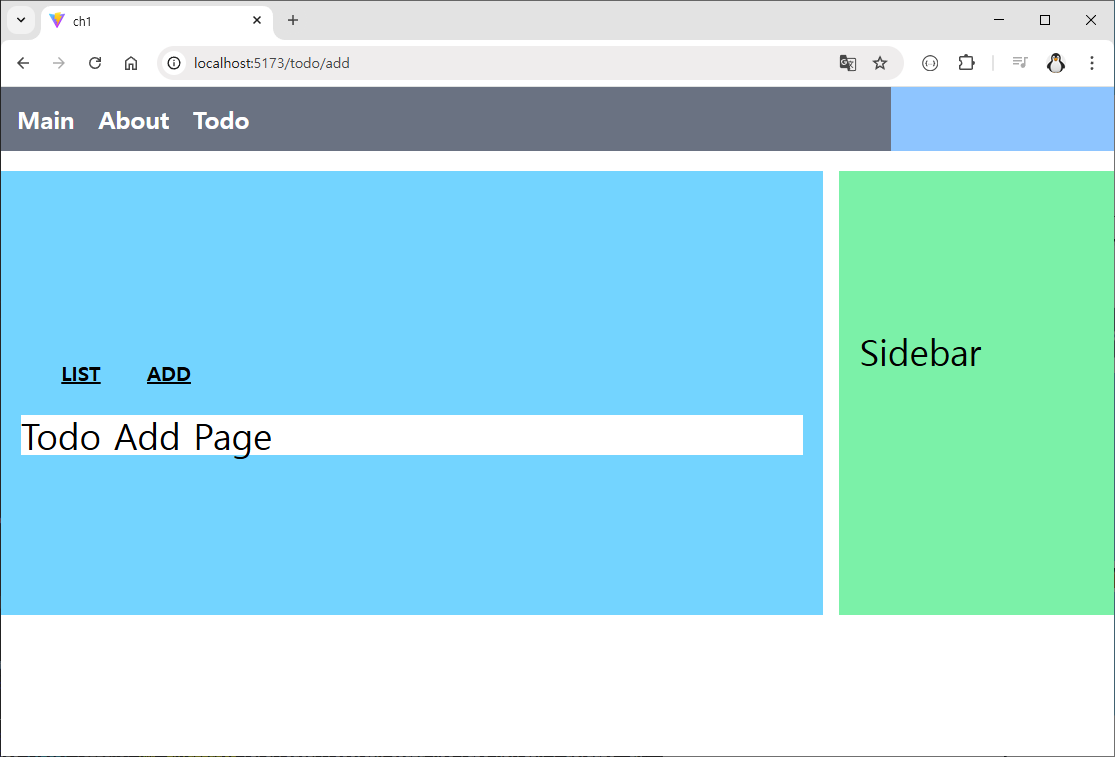
import { Outlet, useNavigate } from "react-router"; function IndexPage() { const navigate = useNavigate() const handleClickList = () => { navigate({ pathname:'list'}) } const handleClickAdd = () => { navigate({ pathname:'add' }) } return ( <div> <div className="w-full flex m-2 p-2 "> <div className="text-xl m-1 p-2 w-20 font-extrabold text-center underline" onClick={handleClickList} > LIST </div> <div className="text-xl m-1 p-2 w-20 font-extrabold text-center underline" onClick={handleClickAdd} > ADD </div> </div> <div className="flex flex-wrap w-full"> <Outlet/> </div> </div> ); } export default IndexPage;- react-study/frontend/ch1/src/pages/todo/indexPage.tsx
import { lazy, Suspense } from 'react';
import { Navigate } from 'react-router';

// eslint-disable-next-line react-refresh/only-export-components
const Loading = () => <div>Loading...</div>;
const TodoIndex= lazy(() => import('../pages/todo/indexPage'));
const TodoList = lazy(() => import('../pages/todo/listPage'));
const TodoRead = lazy(() => import('../pages/todo/readPage'));
const TodoAdd = lazy(() => import('../pages/todo/addPage'));
const TodoModify = lazy(() => import('../pages/todo/modifyPage'));

const todoRouter = () => {
    return (
        {
            path: 'todo',
            Component: TodoIndex,
            children: [
             {
                path: 'list',
                element: <Suspense fallback={<Loading />}> <TodoList /> </Suspense>
             },
             {
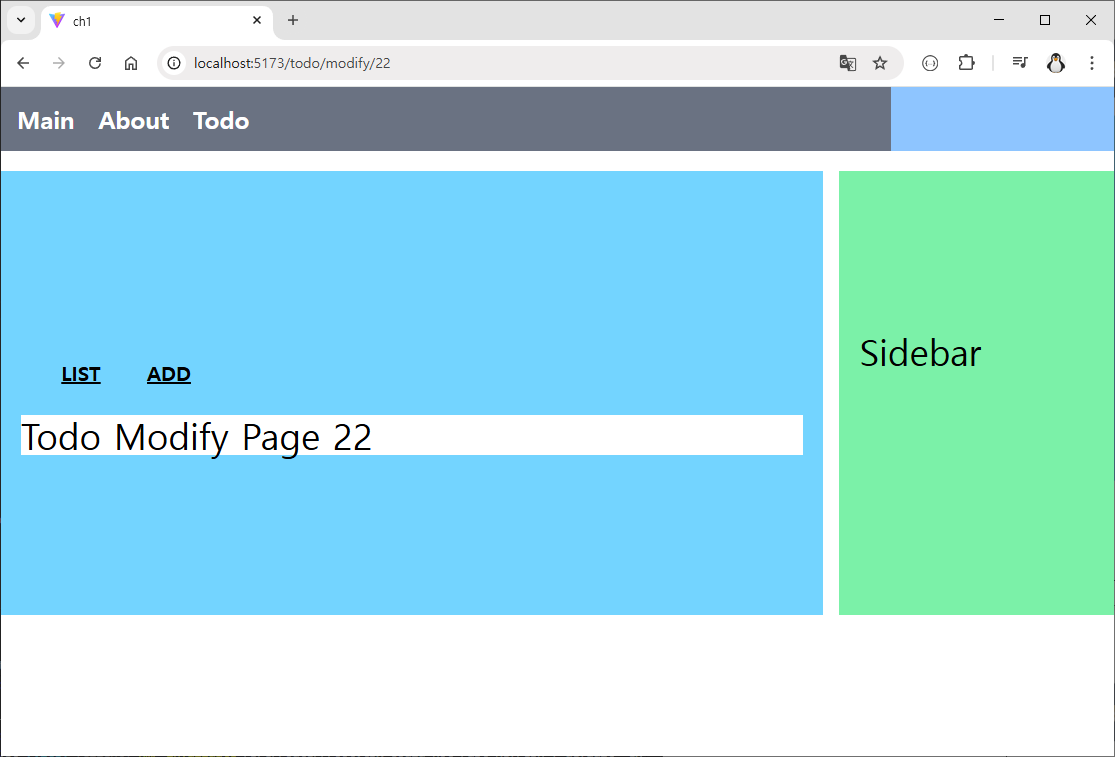
                path:  'read/:tno',
                element: <Suspense fallback={<Loading />}> <TodoRead /> </Suspense>
             },
             {
                path: 'add',
                element: <Suspense fallback={<Loading />}> <TodoAdd /> </Suspense>
             },
             {
                path: 'modify/:tno',
                element: <Suspense fallback={<Loading />}> <TodoModify /> </Suspense>
             },
             {
                path: '',
                element: <Navigate to={'/todo/list'}></Navigate>
             },
            ]
        }
    )
}

export default todoRouter;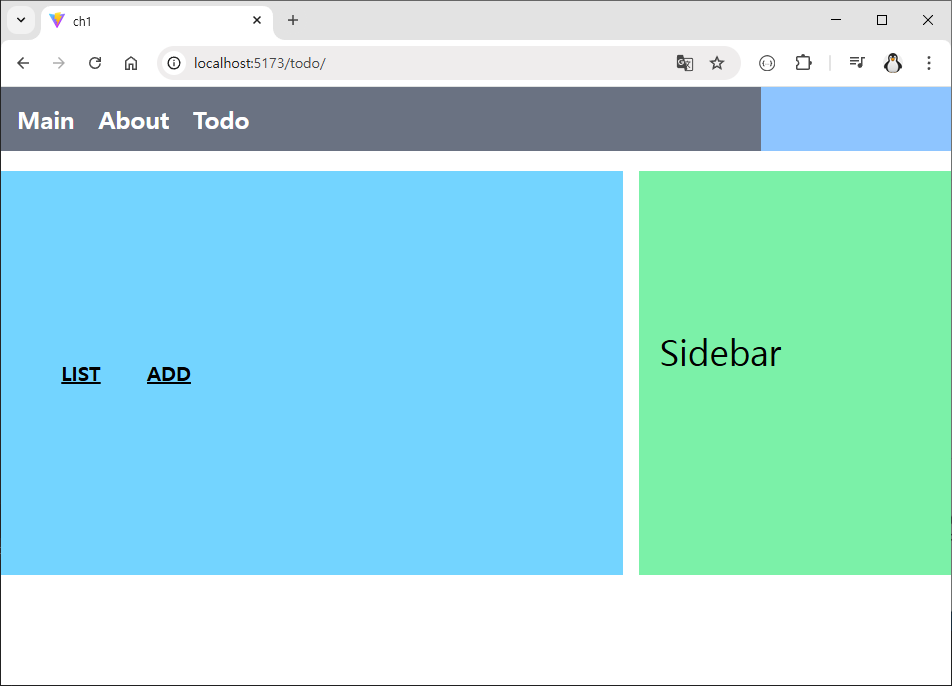
1. useParams() : URL 경로에 선언된 동적 파라미터 값을 가져오는 Hook
- URL 경로의 일부를 변수처럼 사용할 때 쓴다. 게시글 번호나 유저 ID처럼 특정한 자원을 식별할 때 주로 사용
- 설정 (Route): 경로 뒤에 콜론(:)을 붙여 변수명 지정
- <Route path="/todo/read/:tno" element={<ReadPage />} />
- 꺼내 쓰기: useParams()를 호출하면 객체 형태로 가져옵니다.
- 예: /todo/read/123으로 접속 시 const { tno } = useParams(); -> tno는 "123"
- 값은 항상 문자열(string) 타입, 숫자 계산이나 API 호출에 쓰려면 Number(tno) 또는 parseInt(tno)로 변환이 필요
- /frontend/ch1/src/pages/todo/readPage.tsx
import { useParams } from "react-router";

function ReadPage() {
    const { tno } = useParams();
    console.log(tno);

    return (
    <div className="bg-white w-full">
       <div className="text-4xl">Todo Read Page {tno}</div>{' '}
    </div>
  );
}

export default ReadPage;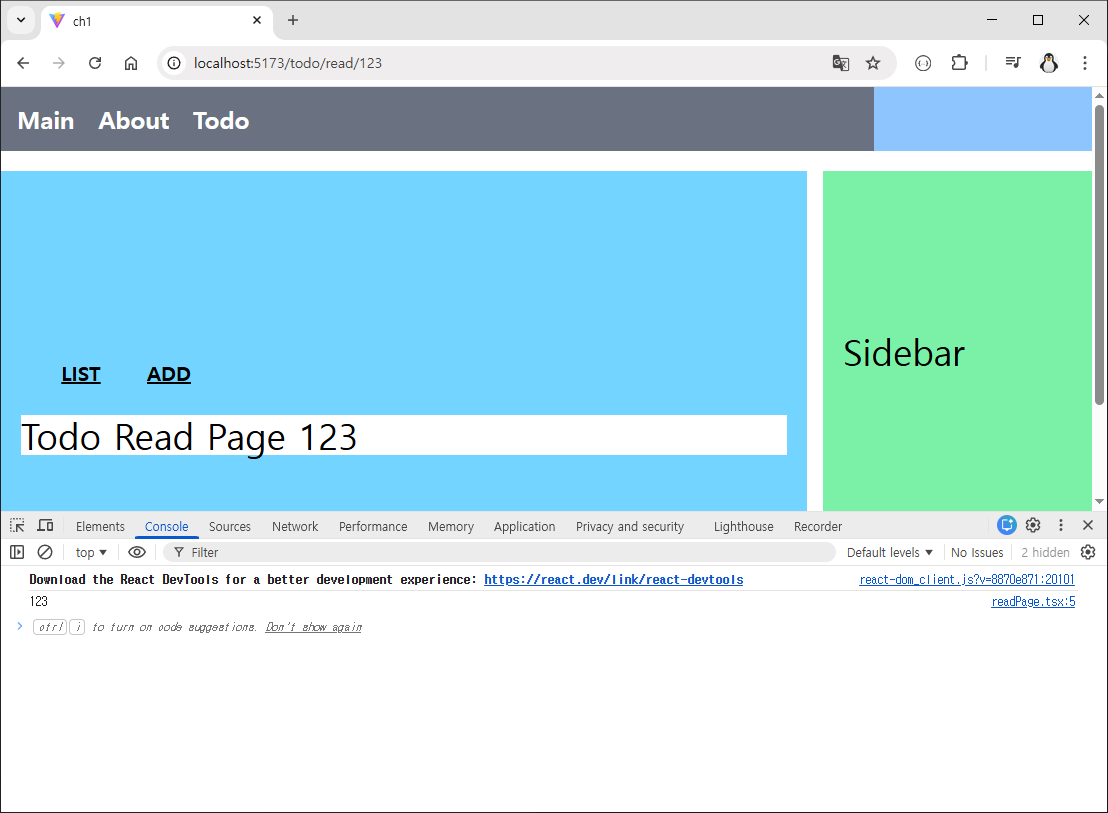
2. useSearchParams() : 쿼리 스트링 처리
- URL 뒤에 붙는 ?page=1&size=10 같은 데이터를 처리할 때 쓴다. 주로 검색, 필터링, 페이징 처리에 필수
- 특징: [searchParams, setSearchParams] 형태의 배열을 반환 (useState와 유사).
- 주요 메서드:
- get('key'): 특정 키의 값을 하나 가져온다.
- getAll('key'): 동일한 키가 여러 개일 때 배열로 모두 가져온다.
- 예시: /todo/list?page=3&size=10
- const [query] = useSearchParams();
- const page = query.get('page'); // "3"
- frontend/ch1/src/pages/todo/listPage.tsx
import { useSearchParams } from "react-router";

function ListPage() {
    const [queryParams] = useSearchParams();
    const page: string | null = queryParams.get('page');
    const size: string | null = queryParams.get('size');


    return (
        <div className="bg-white w-full">
            <div>Tode List Page {page} {size}</div>
        </div>
    );
}
export default ListPage;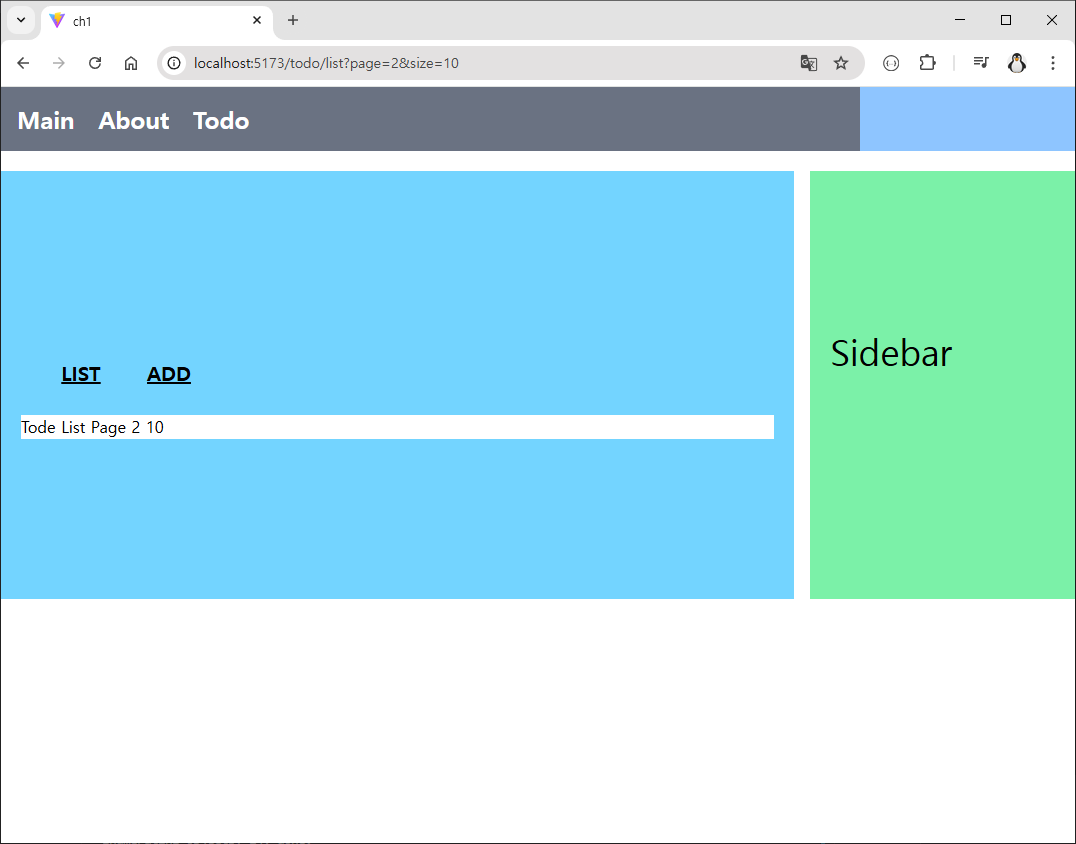
3. Navigate
- 리액트 라우터에서 페이지를 이동시키는 방법은 크게 두 가지가 있다. 하나는 클릭해서 이동하는 useNavigate() 훅이고, 다른 하나는 선언적으로 페이지를 리다이렉트시키는 <Navigate /> 컴포넌트이다.
- react-study/frontend/ch1/src/router/todoRouter.tsx

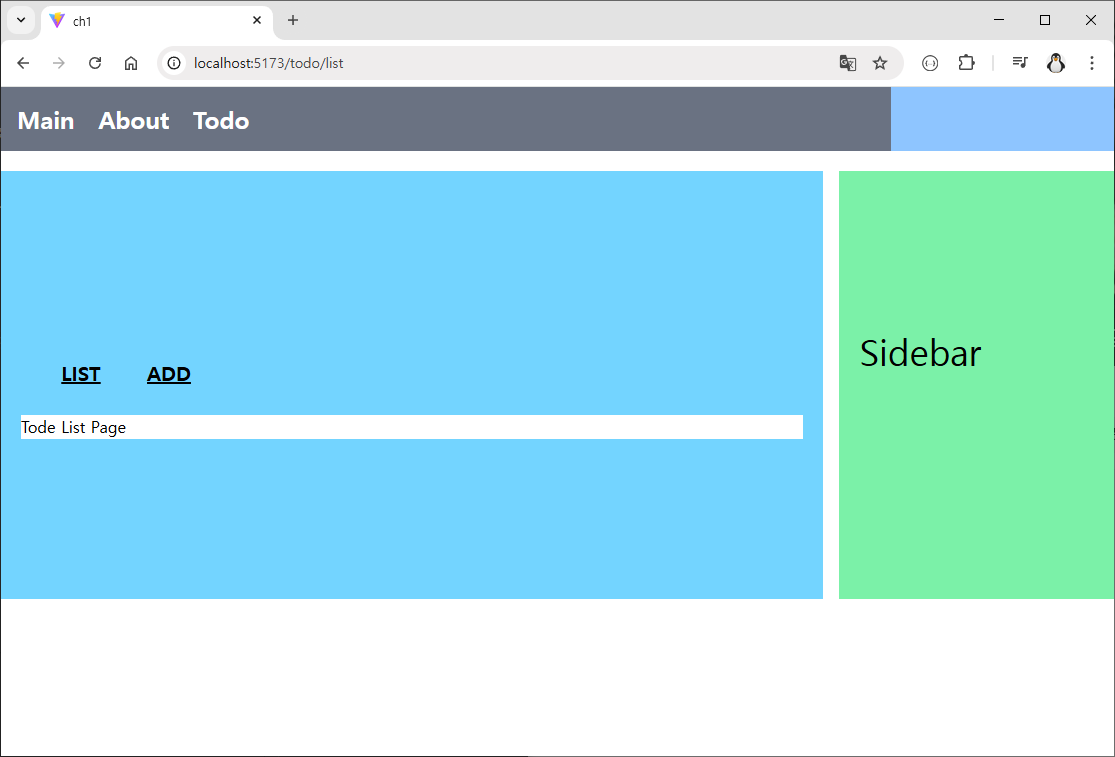
- 사용자가 /todo 또는 /todo/ 경로로 접속했을 때, 자동으로 /todo/list로 화면을 전환해주는 리다이렉션(Redirection) 설정
'JS&React' 카테고리의 다른 글
[React 강의] 레이아웃 컴포넌트와 children / Outlet (0) 2026.02.07 [React 강의] React-Router (0) 2026.02.04 [React 강의] 환경설정 - Node.js / Vite / Tailwind CSS / Spring Boot (0) 2026.01.27 리액트 기본 - State(uesState), 재렌더링과 부작용(useEffect), Export (1) 2024.08.30 리액트 기본 - Props (0) 2024.08.29