-
[React 강의] 환경설정 - Node.js / Vite / Tailwind CSS / Spring BootJS&React 2026. 1. 27. 23:08
환경 설정
- DB는 MySQL 사용
https://devopscat.tistory.com/164
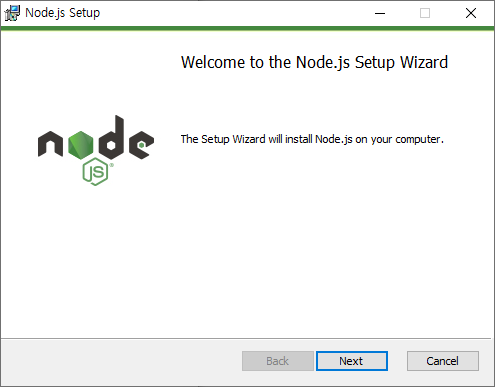
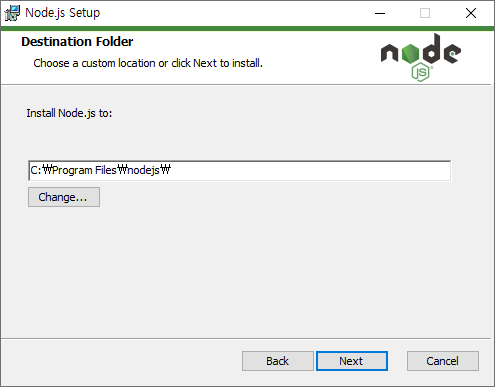
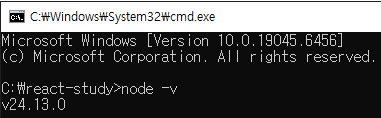
1. Node.js 설치
https://nodejs.org/ko/download
Node.js — Node.js® 다운로드
Node.js® is a free, open-source, cross-platform JavaScript runtime environment that lets developers create servers, web apps, command line tools and scripts.
nodejs.org
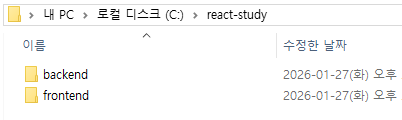
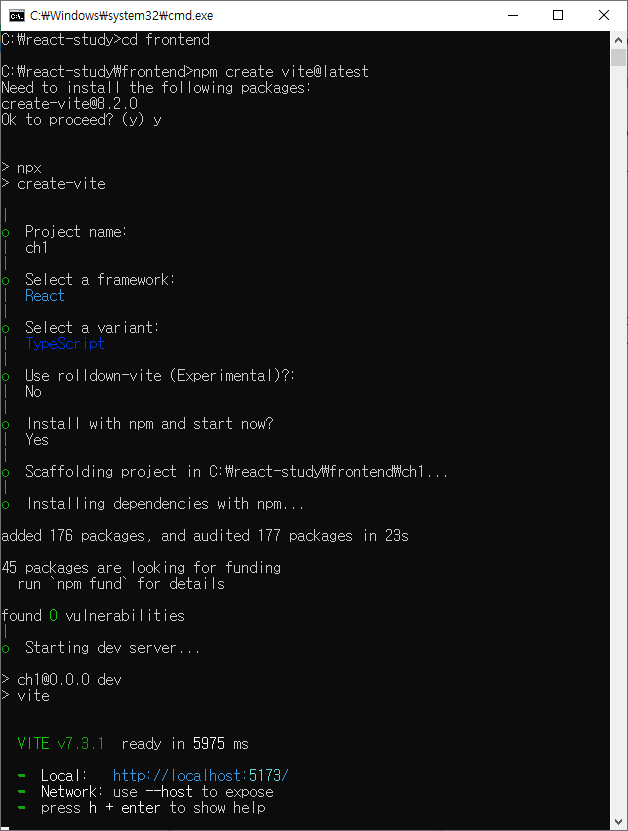
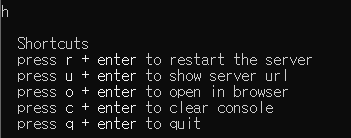
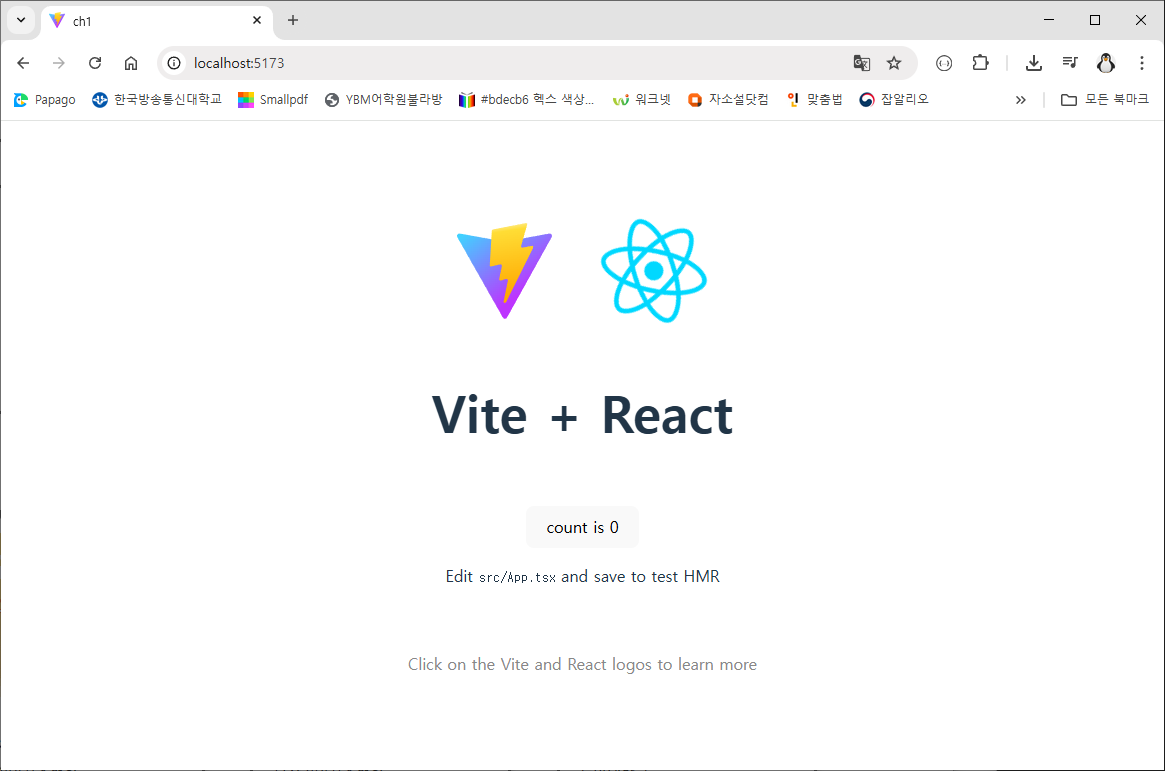
2. Vite로 리액트 프로젝트 생성
Vite
Vite, 프런트엔드 개발의 새로운 기준
ko.vite.dev

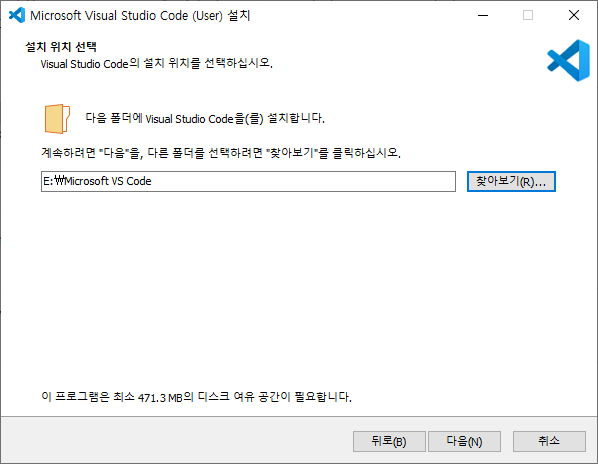
3. VSCode 설치
- extension 추가
- 자동 완성
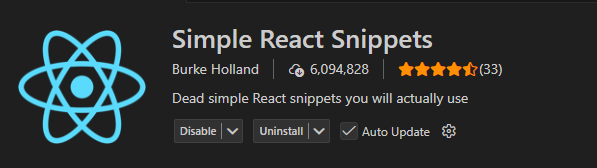

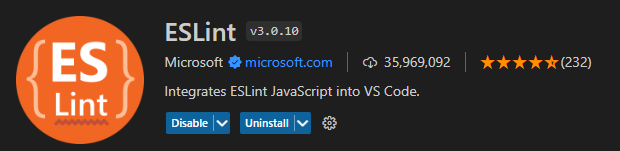
- ESLint : 자바스크립트 구문 오류 검출
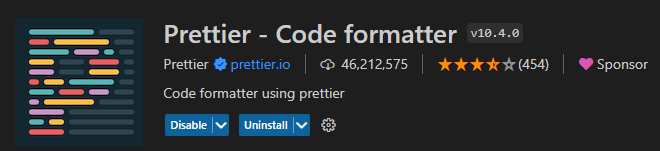
- Prettier - Code formatter : 자동 정렬
- Prettier 설정
- Settings - Editor: Default Formatter - Prettier - Code formatter 선택
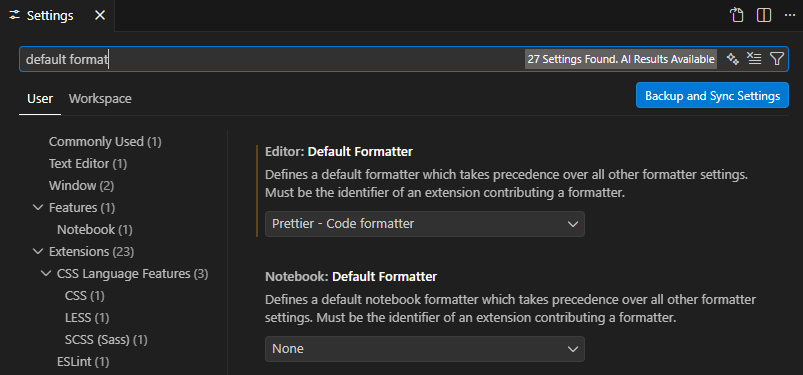
- .prettierrc 파일 생성 -> /frontend/ch1/.prettierrc
{ "singleQuote": true, "semi": true, "tabWidth": 2, "trailingComma": "all", "printWidth": 100 }- vscode에서 npm run dev 시 오류
- npm : 이 시스템에서 스크립트를 실행할 수 없으므로 C:\Program Files\nodejs\npm.ps1 파일을 로드할 수 없습니다.
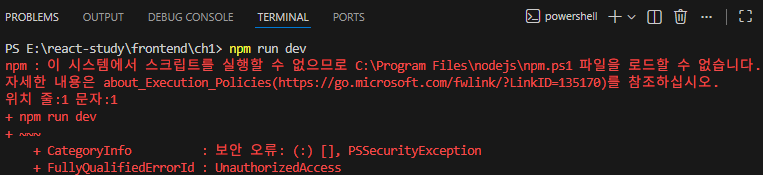
- PowerSell 관리자 권한으로 실행 후 권한 수정 -> VSCode 새로 실행
PS E:\react-study\frontend\ch1> Get-ExecutionPolicy
Restricted
PS E:\react-study\frontend\ch1> Set-ExecutionPolicy -Scope CurrentUser -ExecutionPolicy RemoteSigned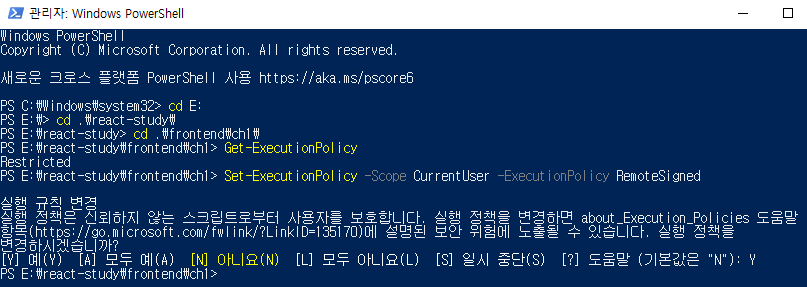
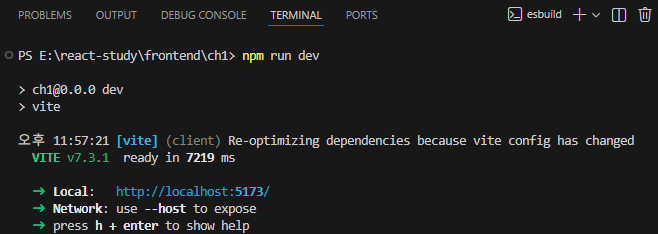
4. Tailwind CSS 설치
https://tailwindcss.com/docs/installation/using-vite
Installing with Vite - Installation
Integrate Tailwind CSS with frameworks like Laravel, SvelteKit, React Router, and SolidJS.
tailwindcss.com
- 공식 문서 순서대로 세팅하면 된다.
- Tailwind CSS를 설치
npm install tailwindcss @tailwindcss/vite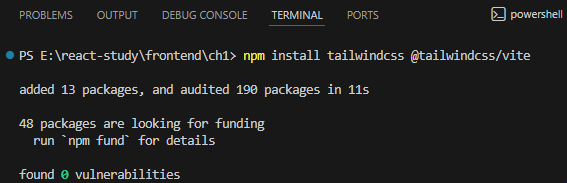
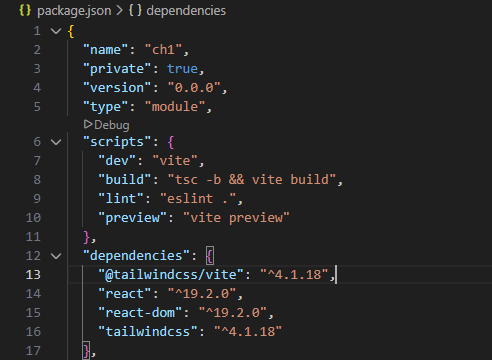
- pakage.json에 tailwindcss 추가 된 것을 확인할 수 있다.
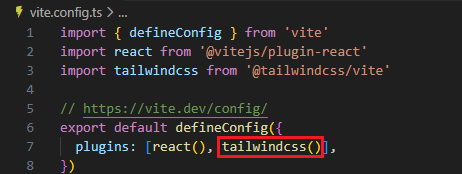
- vite.config.ts 파일 수정
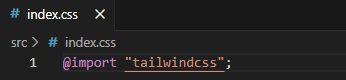
- index.css 파일 수정


- App.tsx 파일의 19번째 코드 수정
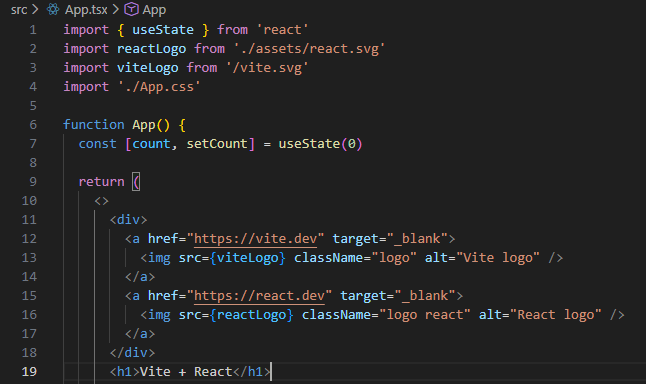
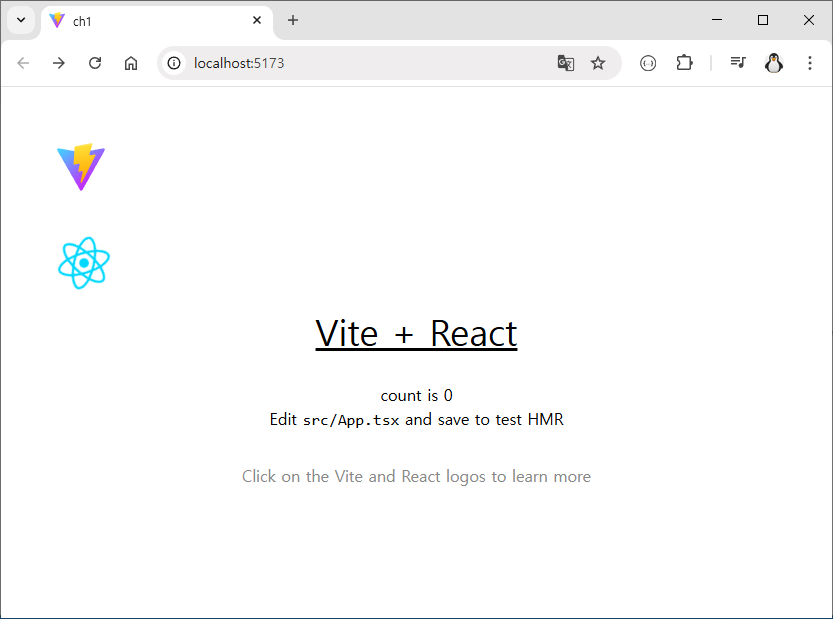
- className 변경
<h1 className='text-4xl underline'>Vite + React</h1>
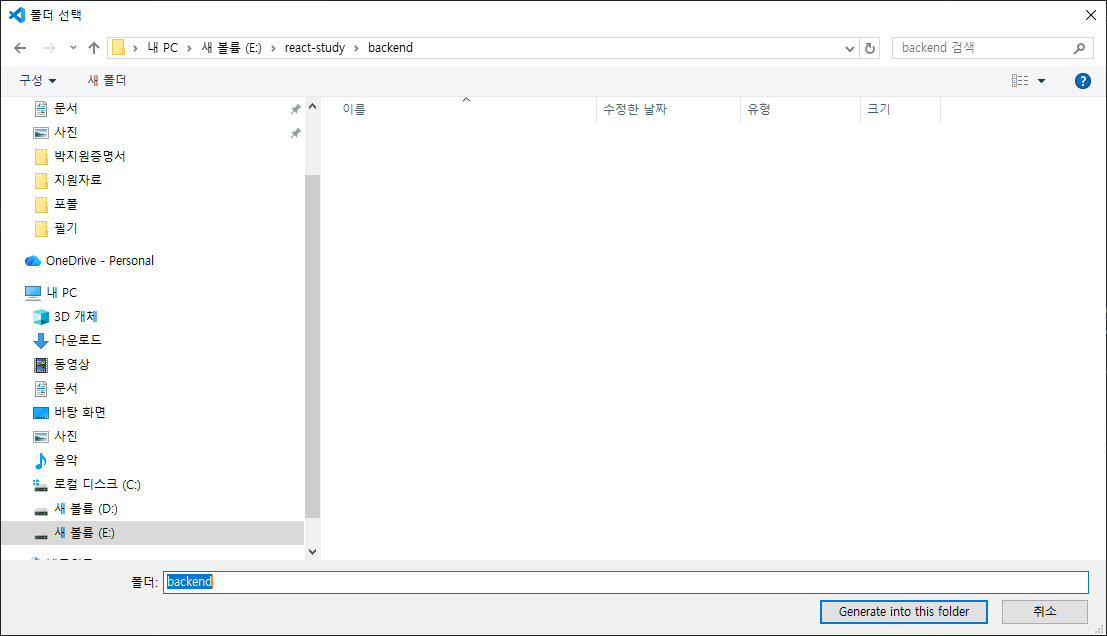
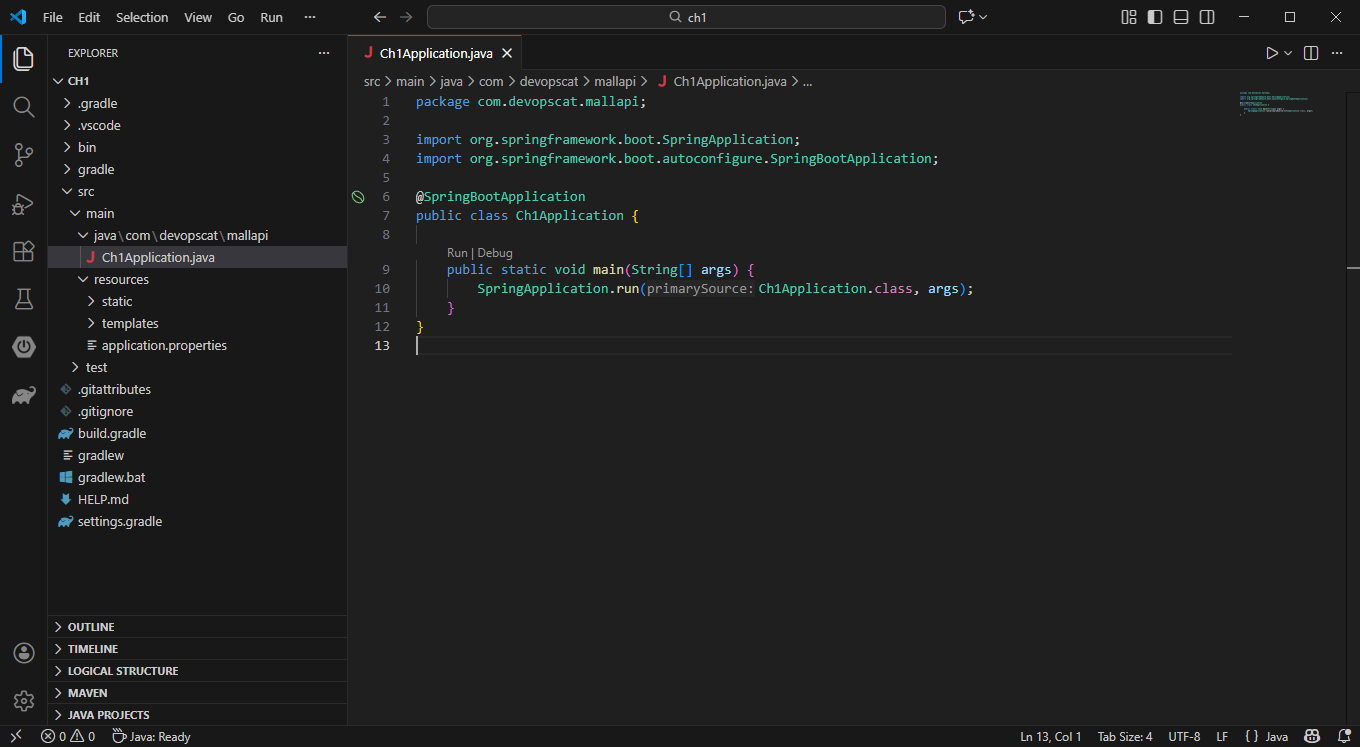
5. VSCode Spring boot 프로젝트 생성
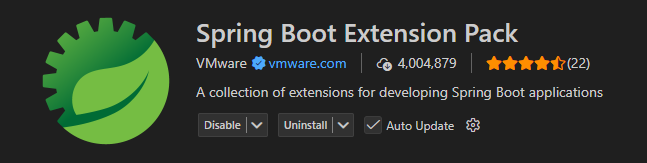
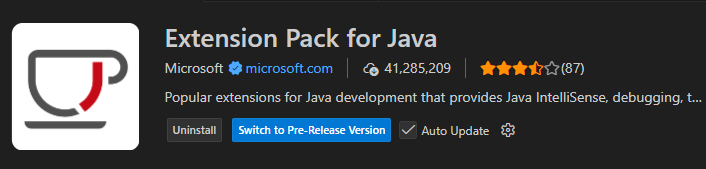
- Springboot Extension Pack 설치
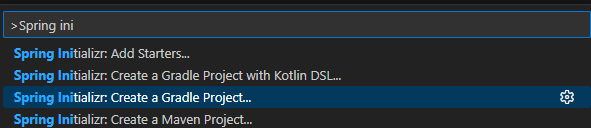
Ctrl + Shift + P
spring initializr: Create a Gradle Project...
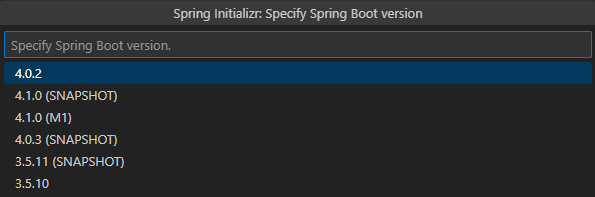
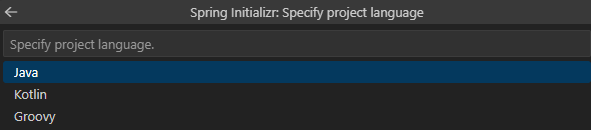




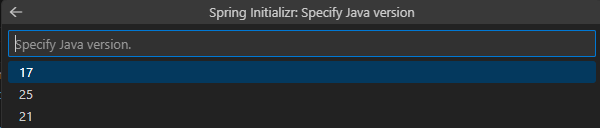
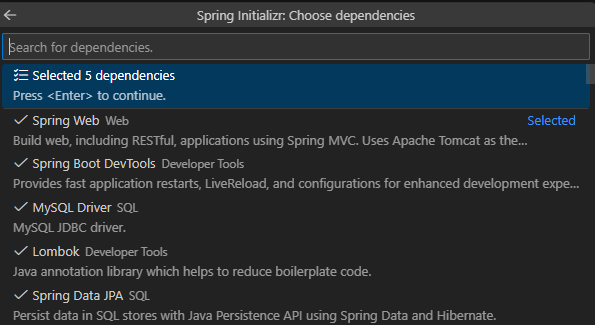

- application.properties에 DB 정보 설정 안하고 실행 시 오류
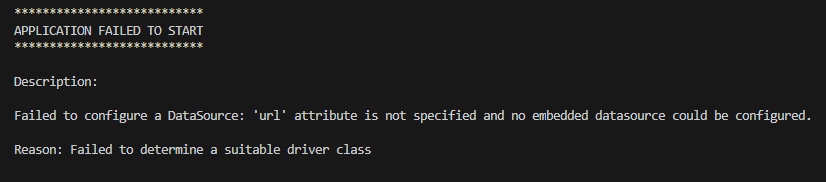
- application.properties
spring.application.name=mallapi # DB 연결 설정 spring.datasource.driver-class-name=com.mysql.cj.jdbc.Driver spring.datasource.url=jdbc:mysql://192.168.0.20:3306/testdb?useSSL=false&allowPublicKeyRetrieval=true&serverTimezone=Asia/Seoul spring.datasource.username=${DB_USERNAME} spring.datasource.password=${DB_PASSWORD} spring.jpa.hibernate.ddl-auto=update spring.jpa.properties.hibernate.format_sql=true spring.jpa.show-sql=true- .env 파일 생성하여 환경 변수 정보를 적는다.
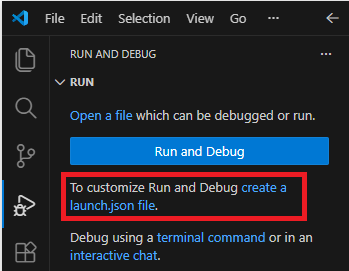
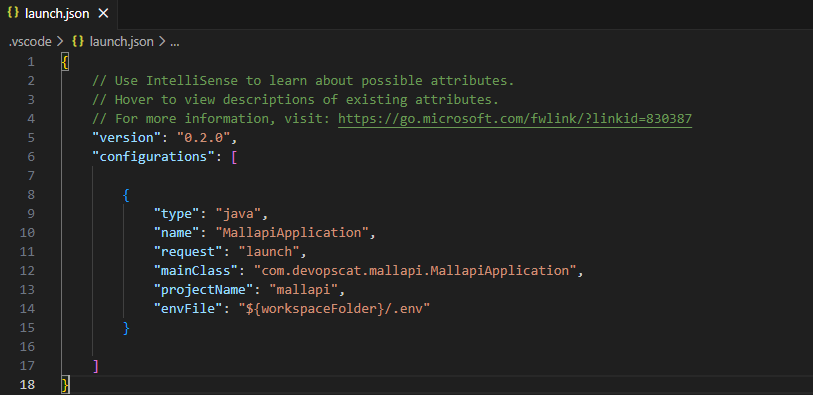
- .env 파일을 사용하기 위해서는 launch.json을 생성해야한다.
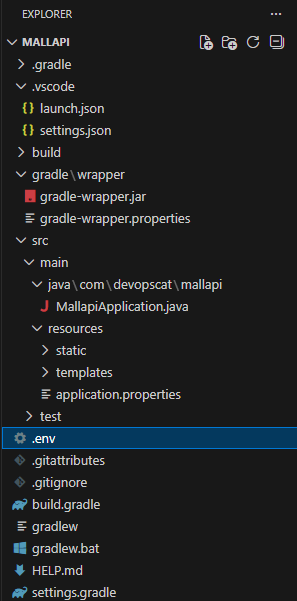
- launch.json 파일 생성
- Java 선택

- "envFile": "${workspaceFolder}/.env" 추가
- 실행 시 오류 발생
- Gradle Worker Daemon 오류
Could not execute build using connection to Gradle distribution 'https://services.gradle.org/distributions/gradle-9.3.0-bin.zip'.
오류: 기본 클래스 worker.org.gradle.process.internal.worker.GradleWorkerMain을(를) 찾거나 로드할 수 없습니다.
원인: java.lang.ClassNotFoundException: worker.org.gradle.process.internal.worker.GradleWorkerMain
FAILURE: Build failed with an exception. - 원인 : 경로에 한글이 들어가서 문제 발생
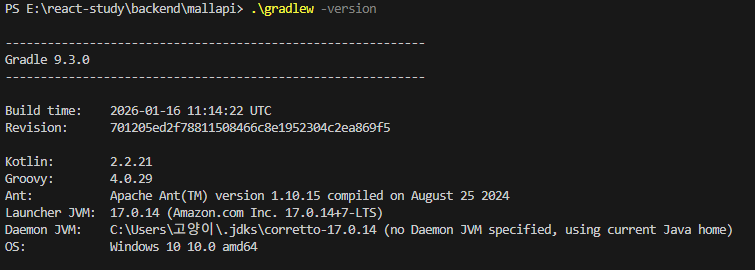
- JVM 경로 (한글 안들어가게 변경)
- 시스템 환경 변수 수정
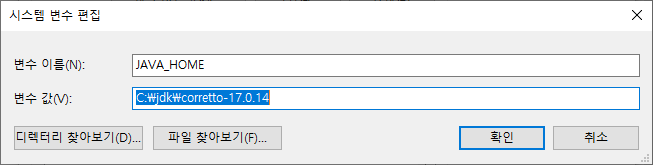
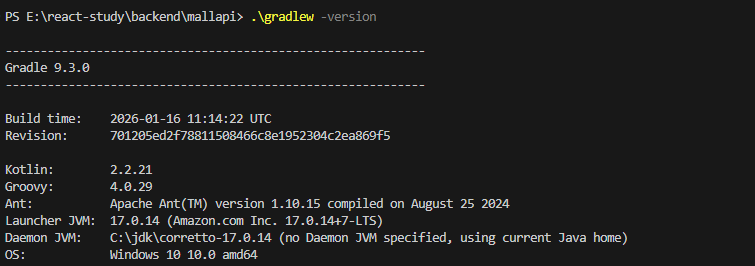
- gradle 경로 (한글 안들어가게 변경)
- gradle 시스템 환경 변수 생성
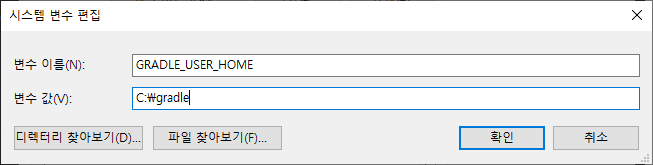
- 변경된 gradle 경로 확인

- 기존 경로의 gradle 디렉터리 삭제
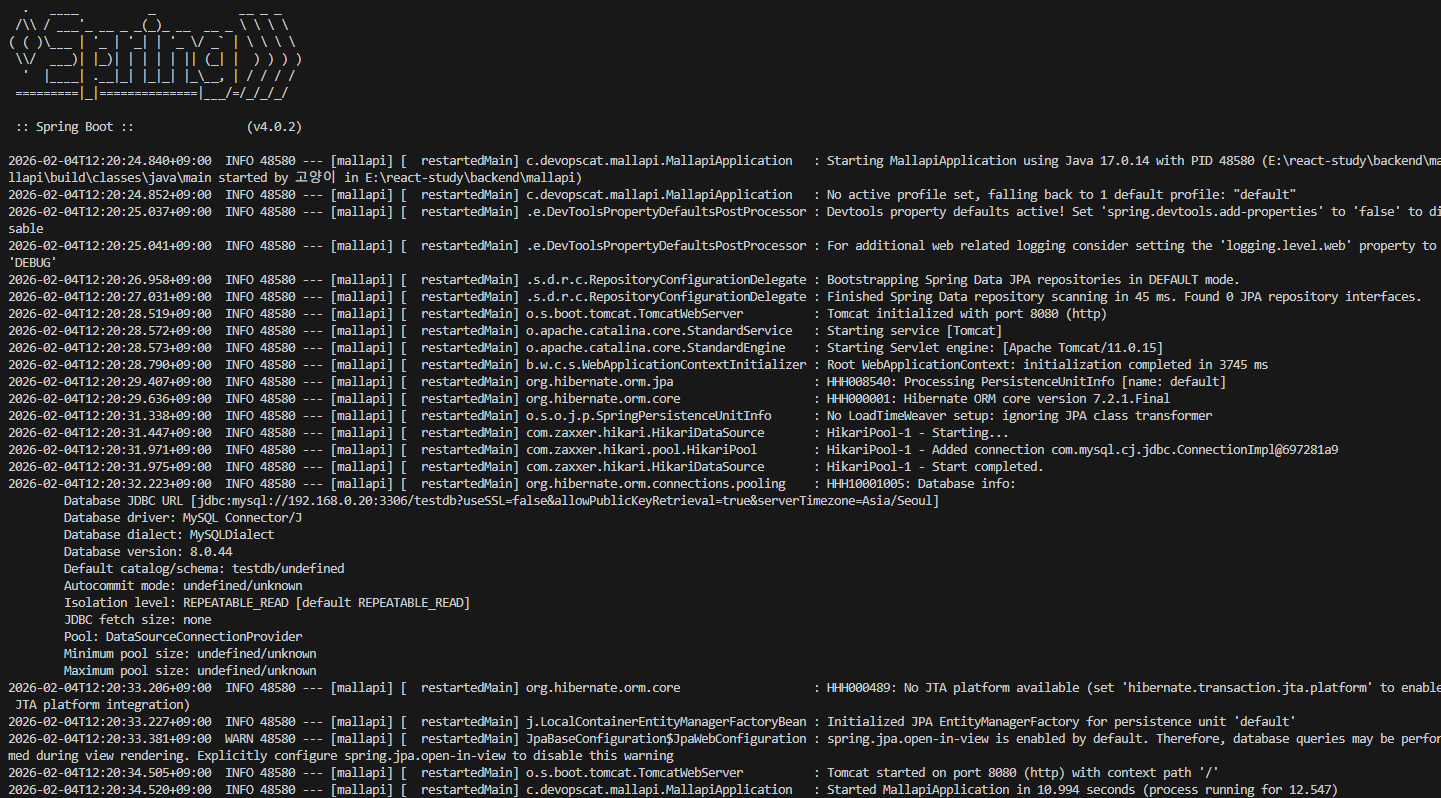
Remove-Item -Recurse -Force "C:\Users\고양이\.gradle"- .\gradlew clean build 후 스프링 부트 실행하기
'JS&React' 카테고리의 다른 글
[React 강의] 레이아웃 컴포넌트와 children / Outlet (0) 2026.02.07 [React 강의] React-Router (0) 2026.02.04 리액트 기본 - State(uesState), 재렌더링과 부작용(useEffect), Export (1) 2024.08.30 리액트 기본 - Props (0) 2024.08.29 리액트 기본 - JSX, 컴포넌트, 이벤트와 스타일 (0) 2024.08.29